
How to sell digital downloads for entire gallery
Sunshine Photo Cart Pro has the ability to let you sell all the digital negative images from a gallery as a single product. This will build a zip file of every image in the gallery purchased (and optionally all the child galleries as well) for your customer and make the download link available after payment.
Creating this type of product is the same as making a standard one, with a few extra simple steps:
- Set the Type to "Download"
- Click the Download tab and select the "Entire gallery download" option.
- If you use sub-galleries, also tick Include sub galleries (see below).
You do not need to assign this product to any category, a link will automatically be made available at the top of the gallery.
Selling a gallery that has sub-galleries
If you split a gallery into sub-galleries (for example one per part of a wedding day), tick Include sub galleries on the product. Your client can then buy every photo in one purchase from the main gallery, instead of buying each sub-gallery separately and paying the price again for each one.
How it works with the box ticked:
- The purchase link shows at the top of the main gallery, even when the main gallery has no photos of its own.
- The zip file includes the main gallery's photos plus the photos from each sub-gallery directly under it, with each sub-gallery's photos in a folder named after that sub-gallery.
- Sub-galleries nested inside another sub-gallery aren't included.
On a gallery that has sub-galleries, the purchase link only appears for products with Include sub galleries ticked. If the link is missing from your main gallery, this box is the first thing to check. Your client can still buy each sub-gallery on its own from inside that sub-gallery.
There's more on setting them up in How to create sub-galleries.
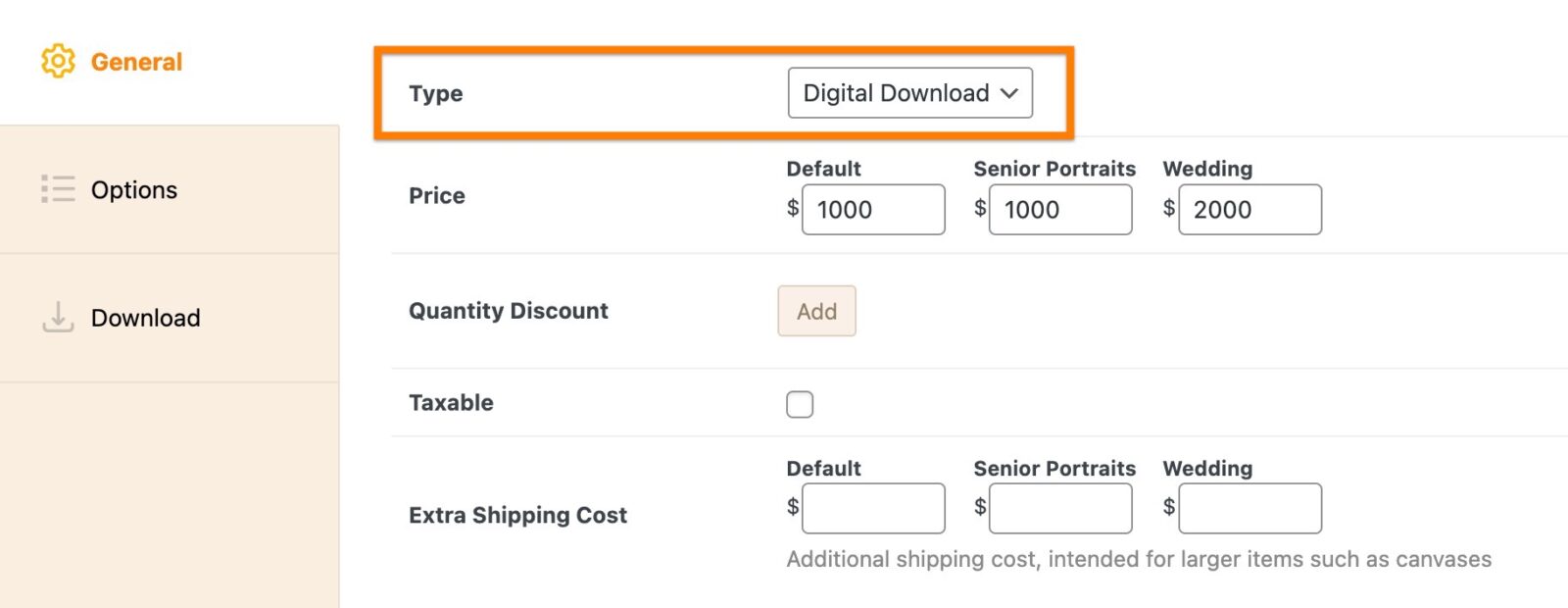
Edit product screen and where to select the "Digital Download" product type
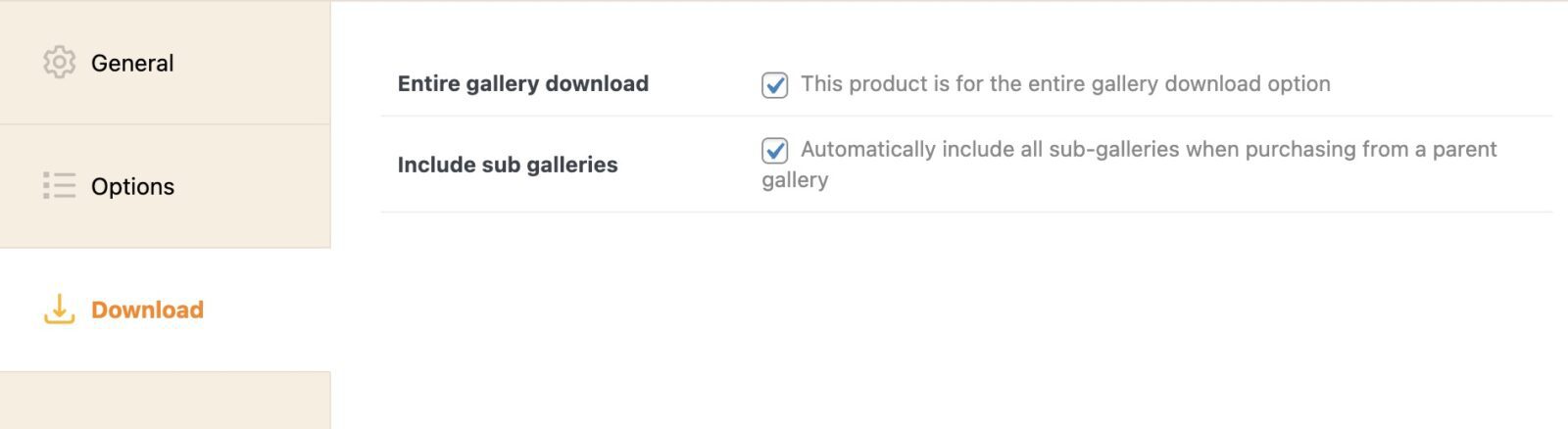
"Download" tab with available options needed to convert this into a full gallery download product
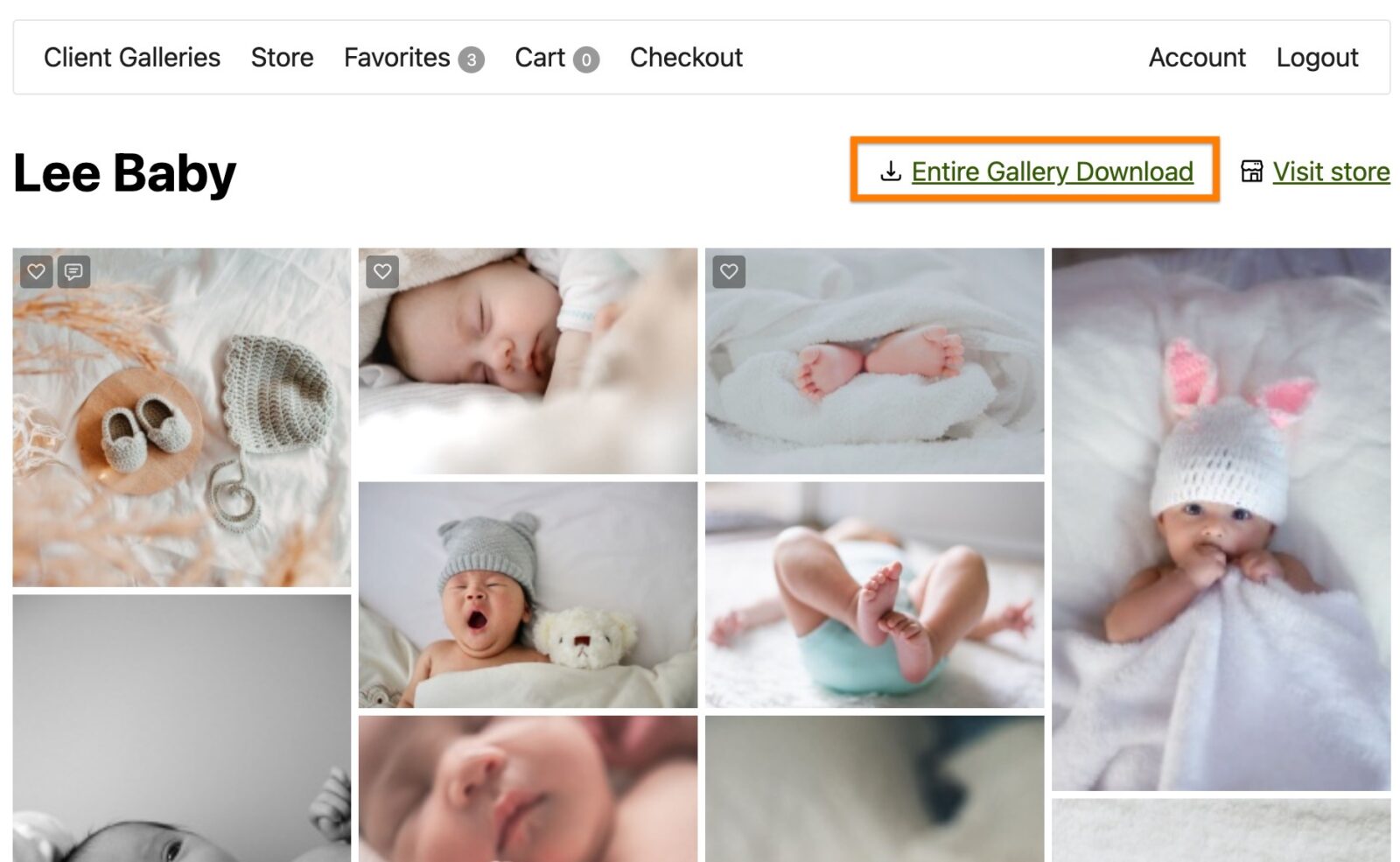
Link for customer to purchase entire gallery download product
Still need help?
If you have not yet found your answer in the documentation articles, please contact support