
Custom styling for free download images
When an image is available for a free download to a user, Sunshine makes the download link available in the image menu. However, you may want to better indicate to users when images are available for a free download to make them easier to identify - especially if only specific images are free to download within a gallery.
In your WordPress admin, go to Sunshine > Settings > Design > Custom CSS and paste this code:
.sunshine--image--download {
    position: relative;
}
.sunshine--image--download::before {
    content: 'Free Download';
    position: absolute;
    top: 0;
    left: 0;
    z-index: 100;
    background-color: #000;
    color: #fff;
    padding: 5px;
    width: 100%;
    text-align: center;
    font-size: 12px;
    box-sizing: border-box;
}
Learn how to add this custom code to your WordPress website
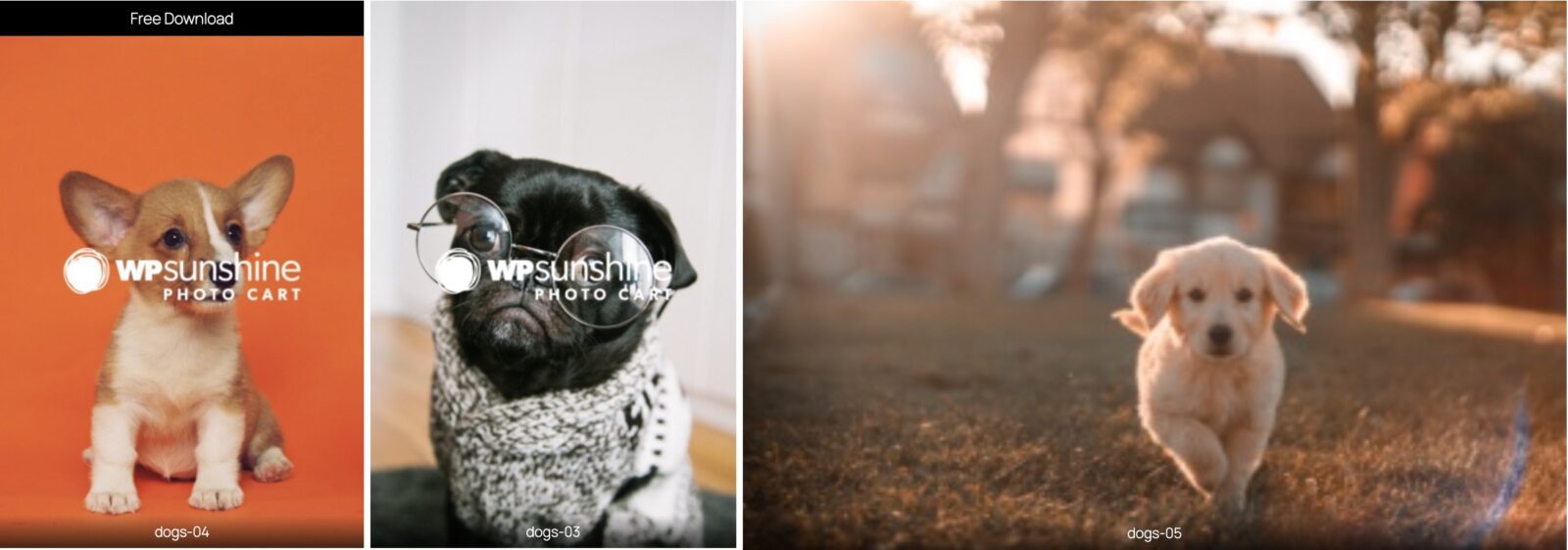
Example with custom styling applied showing first image available for free download
Still need help?
If you have not yet found your answer in the documentation articles, please contact support