
Tax is not being applied
If you see taxes not being applied when it should be, pease check these things first:
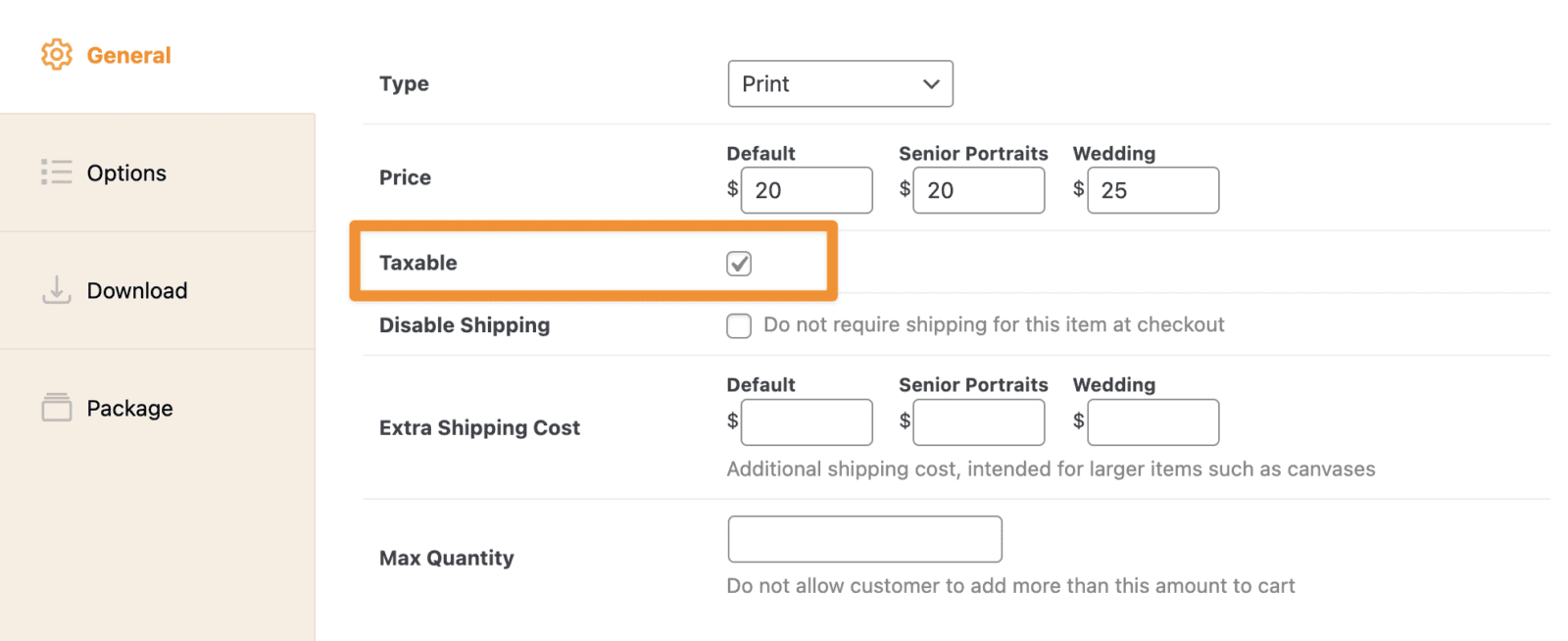
Make sure the products in cart have the "Taxable" option checked:
Make sure you have setup your tax settings and that there is a matching country and state/province in your tax settings that matches your order:

If your tax rate has a zip/postal code entered, it will only apply to orders shipping to that exact zip. This is a common reason tax stops applying: the rate is tied to one zip, and an order ships somewhere else. To tax an entire state instead, leave the zip field blank and set only the state. See Setting Up Taxes for how rate matching works.
Still need help?
If you have not yet found your answer in the documentation articles, please contact support